Safarnaama: Beyond Sight
See the World Through Inclusive Navigation

Problem
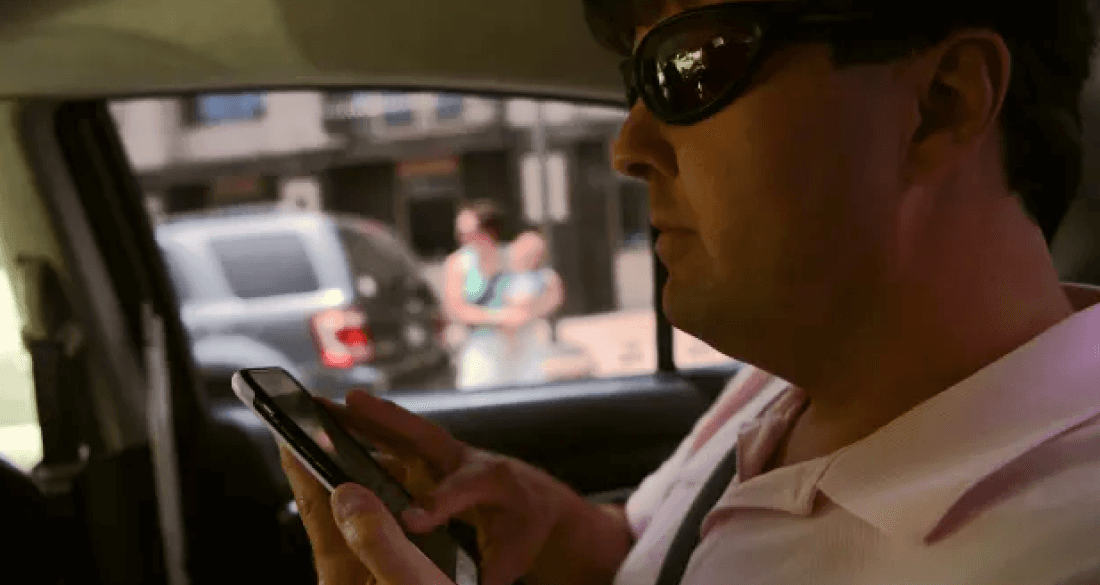
Visually impaired individuals lack independent mobility due to inaccessible transportation systems and navigation apps reliant on visual cues, fostering isolation and dependence on others.
Solution Approach
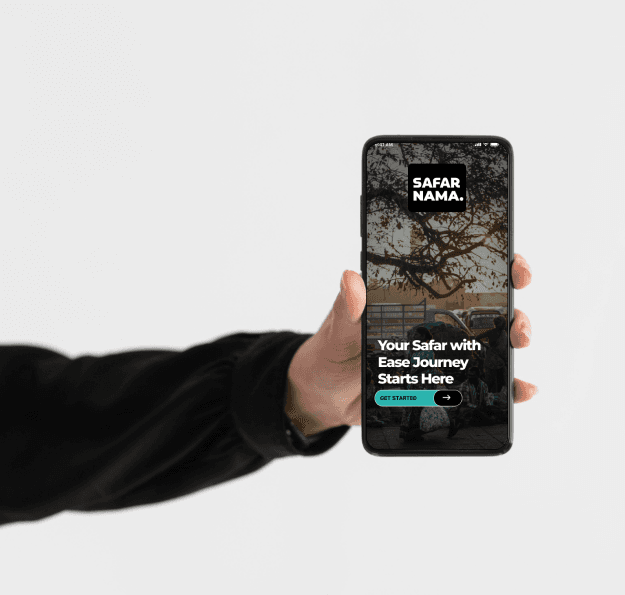
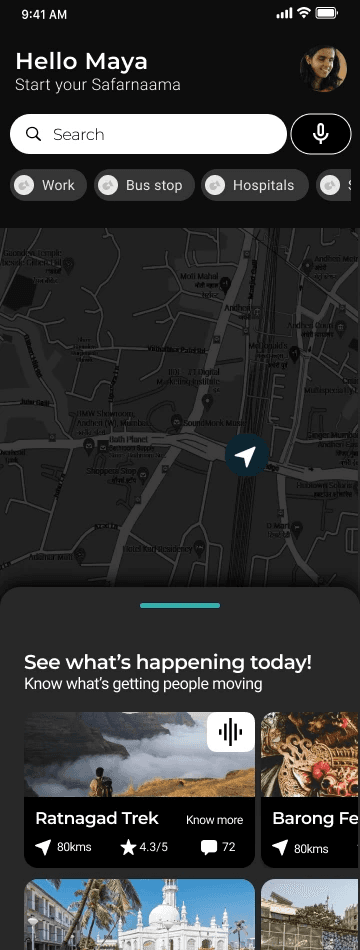
Safarnama is a navigation app catering to the visually impaired, enabling movement while aiding independent exploration with the help of crowd-sourced knowledge and calculated anticipation.
EXPLORATION
The Internet Is for Everyone, Right? Not With a Screen Reader
While various domains, including transportation, navigation, and information technology, have made significant advancements in their systems, there exists a critical gap when it comes to evaluating their inclusivity. It is essential to assess these systems from a user-centered perspective, considering the diverse needs of individuals with disabilities, including visual impairments, physical disabilities, and the general public
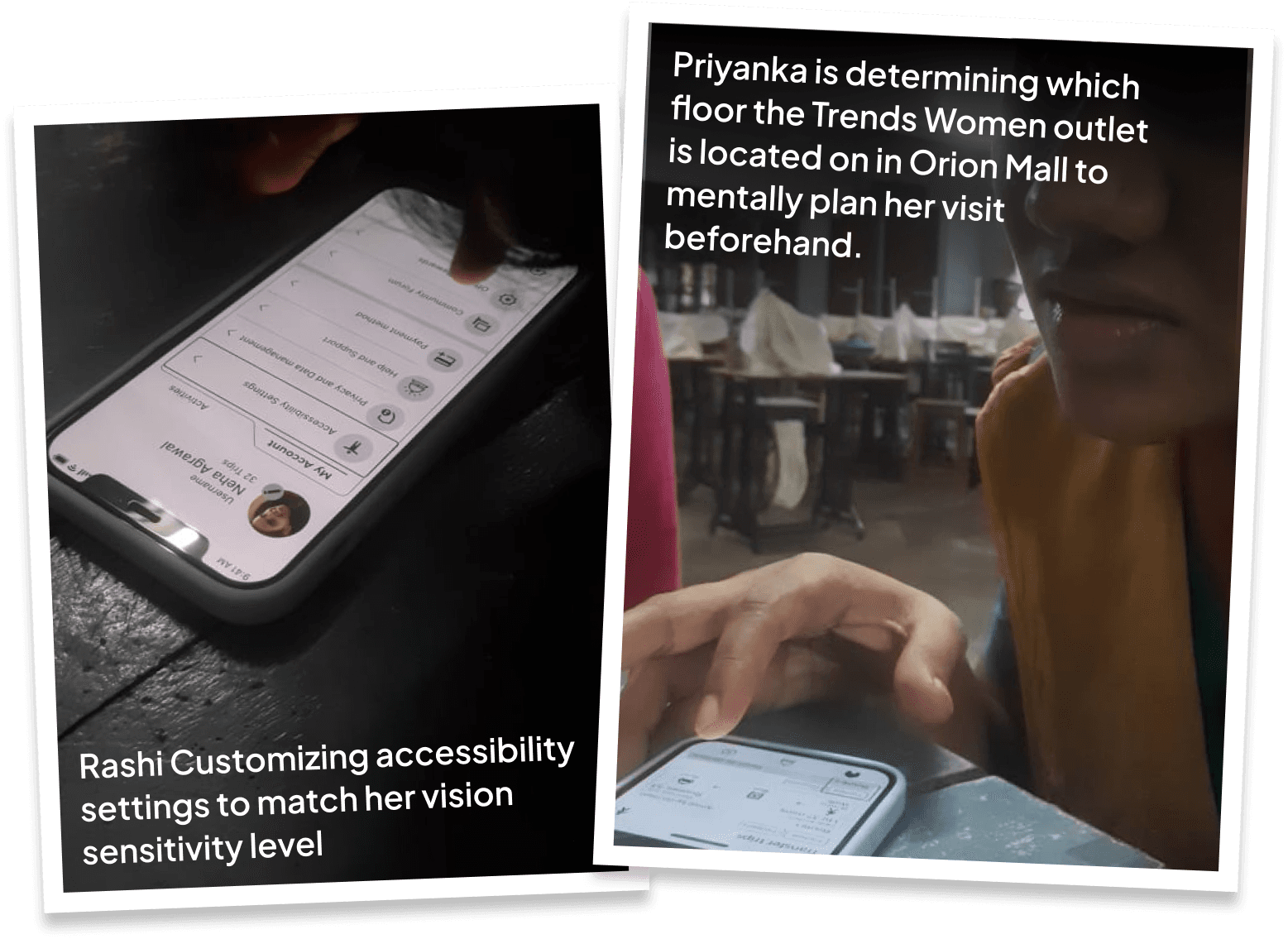
Empathy Interviews Conducted
37 Visually Impaired
To understand difficulties they encounter while commuting, such as inaccessible signage or lack of auditory information.
9 Physically Impaired
To gain insights into the challenges they face while using transportation systems, such as navigating stairs, ramps, or inaccessible vehicles.
5 General Audience
To get a broader perspective on the overall commuting experience, allowing for a comparison between the experiences of disabled and non-disabled individuals.

Primary key findings
Here, the outcomes and achievements of the project are highlighted, including user feedback, adoption rates, and industry recognition.
#1 Limited Customization Options
Limited customization options for accessibility settings hinder personalization of the app to suit individual needs.
#2 Inadequate Audio Guidance
Inadequate audio guidance during navigation can cause confusion and difficulties, especially for visually impaired users.
#3 Non-Viability of Accessibility Information
Insufficient and inaccurate availability of accessibility information makes it challenging to plan routes and choose suitable transportation options.
#4 Challenges in Requesting Assistance
Challenges in accessing and requesting assistance impact the user experience for individuals with disabilities.
#5 Multimodal Assistance
Difficulties in starting the journey and navigating transfers pose challenges for users, requiring clear instructions and guidance.
desigN process
Primary key findings
Here, the outcomes and achievements of the project are highlighted, including user feedback, adoption rates, and industry recognition.
Onboarding in app
Searching destination and selecting route
Boarding Assist
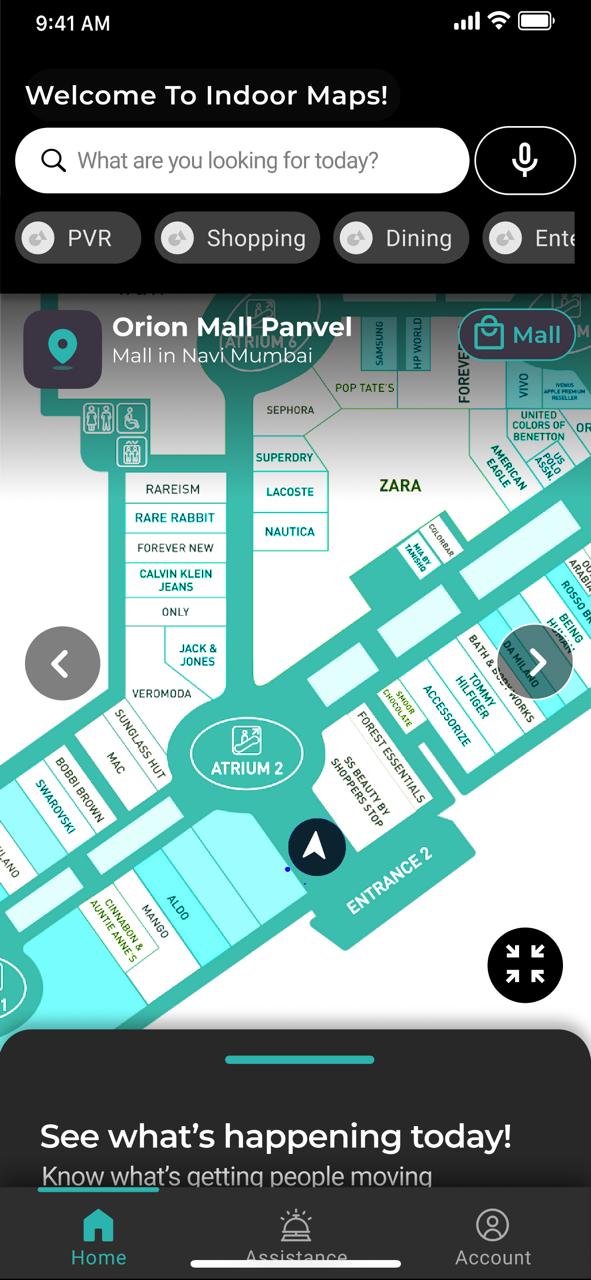
Indoor Maps
PROTOTYPING
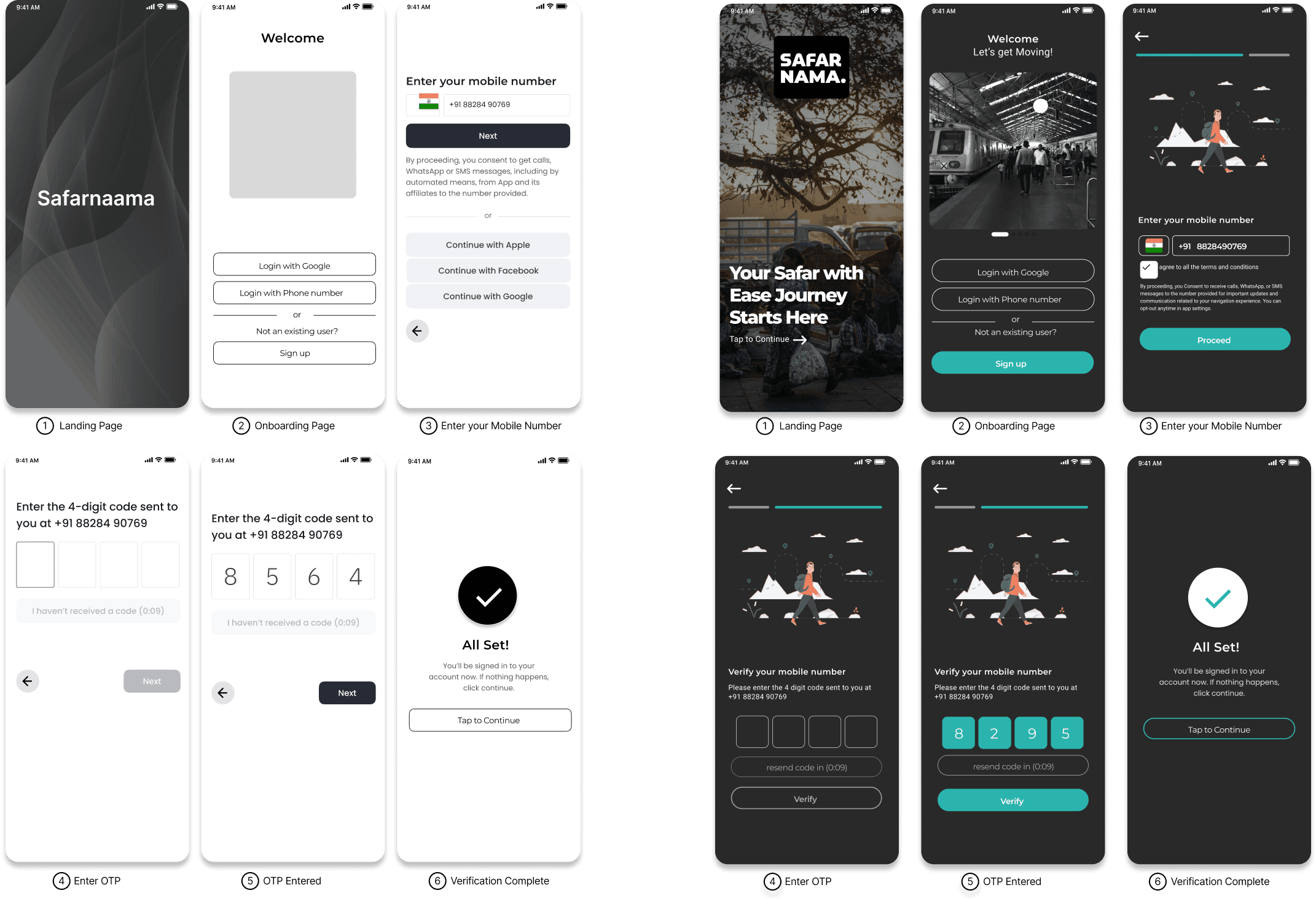
#1. Onboarding in app
Easy Onboarding
Networking details about accessible activities and networking opportunities for visually impaired and blind individuals.
#2. Searching destination and selecting route
#2 Night Network
Networking details about accessible activities and networking opportunities for visually impaired and blind individuals.
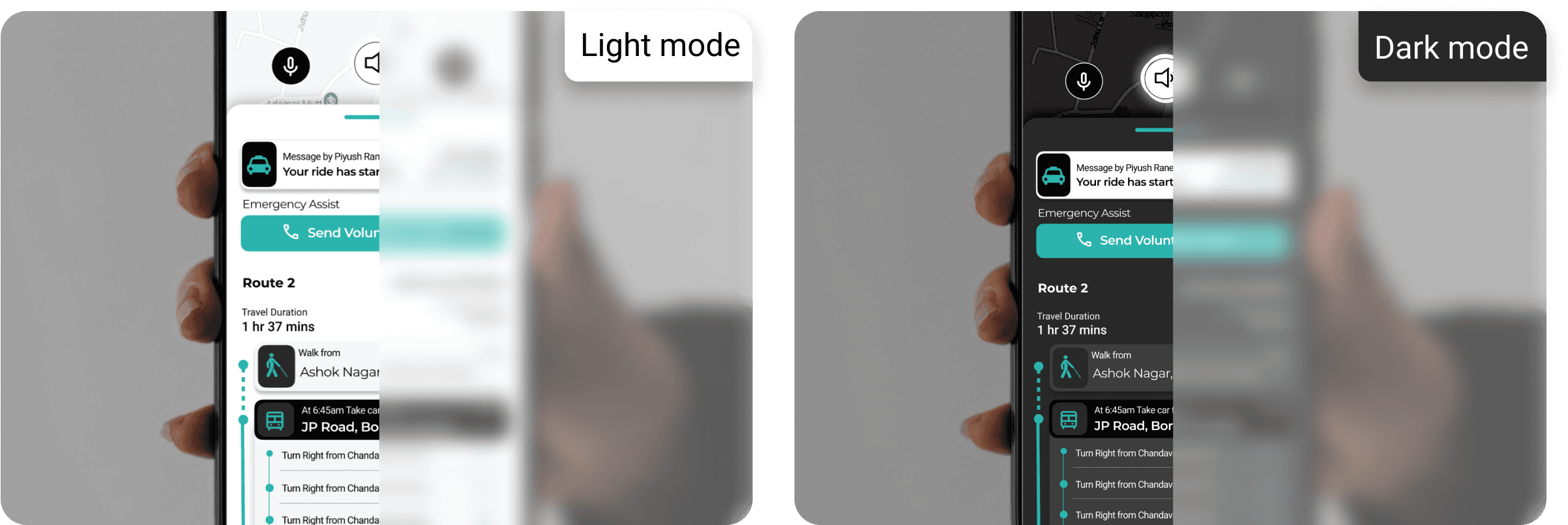
#3 Real-Time V2P (Vehicle to Pedestrians) Updates:
Integration with the app's navigation system to provide timely alerts during walking or crossing situations about approaching vehicles.
#4 Personalized Volunteer Assist
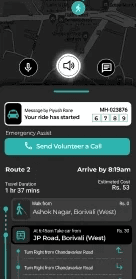
App connects users with sighted local volunteers through audio call & video call assist if they need any visual help.
#5 Clear Navigation through transfers:
Audio prompts and notifications for users about transfer points and route changes. It also helps drivers be aware of passengers with special needs, like visually impaired users, so they can offer assistance when required.
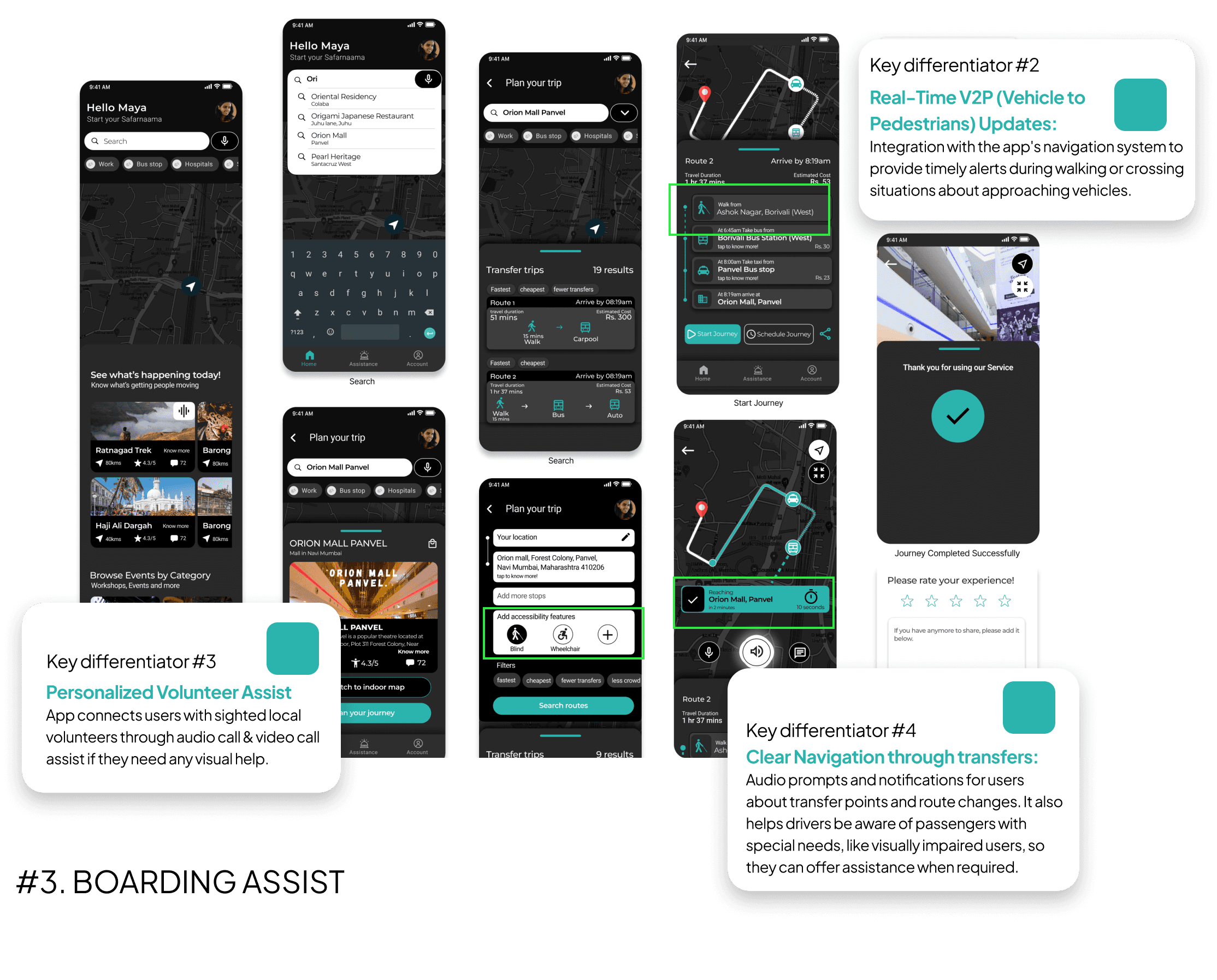
#3. Boarding Assist
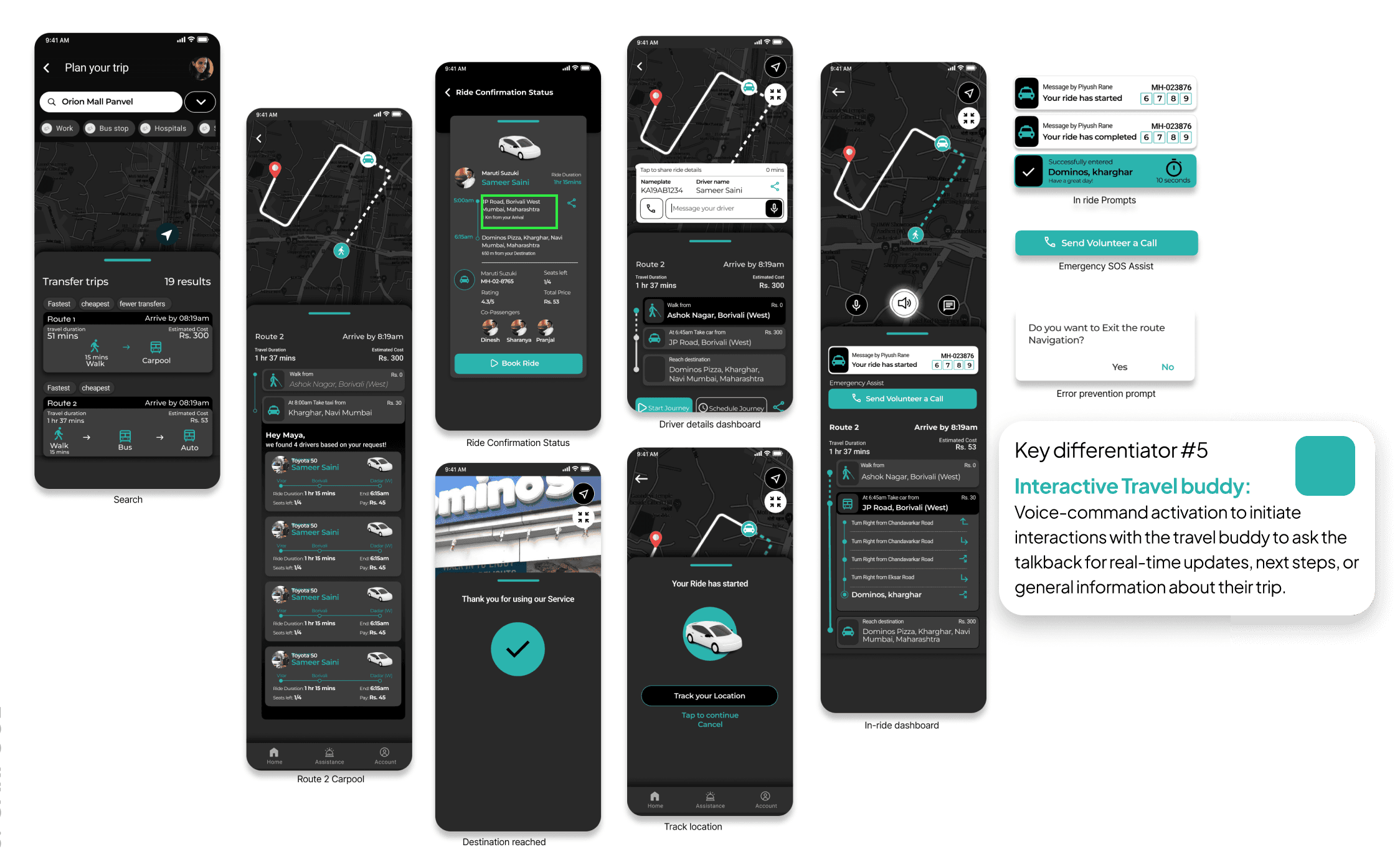
#5 Interactive Travel buddy:
Voice-command activation to initiate interactions with the travel buddy to ask the talkback for real-time updates, next steps, or general information about their trip.
#4. Indoor Maps
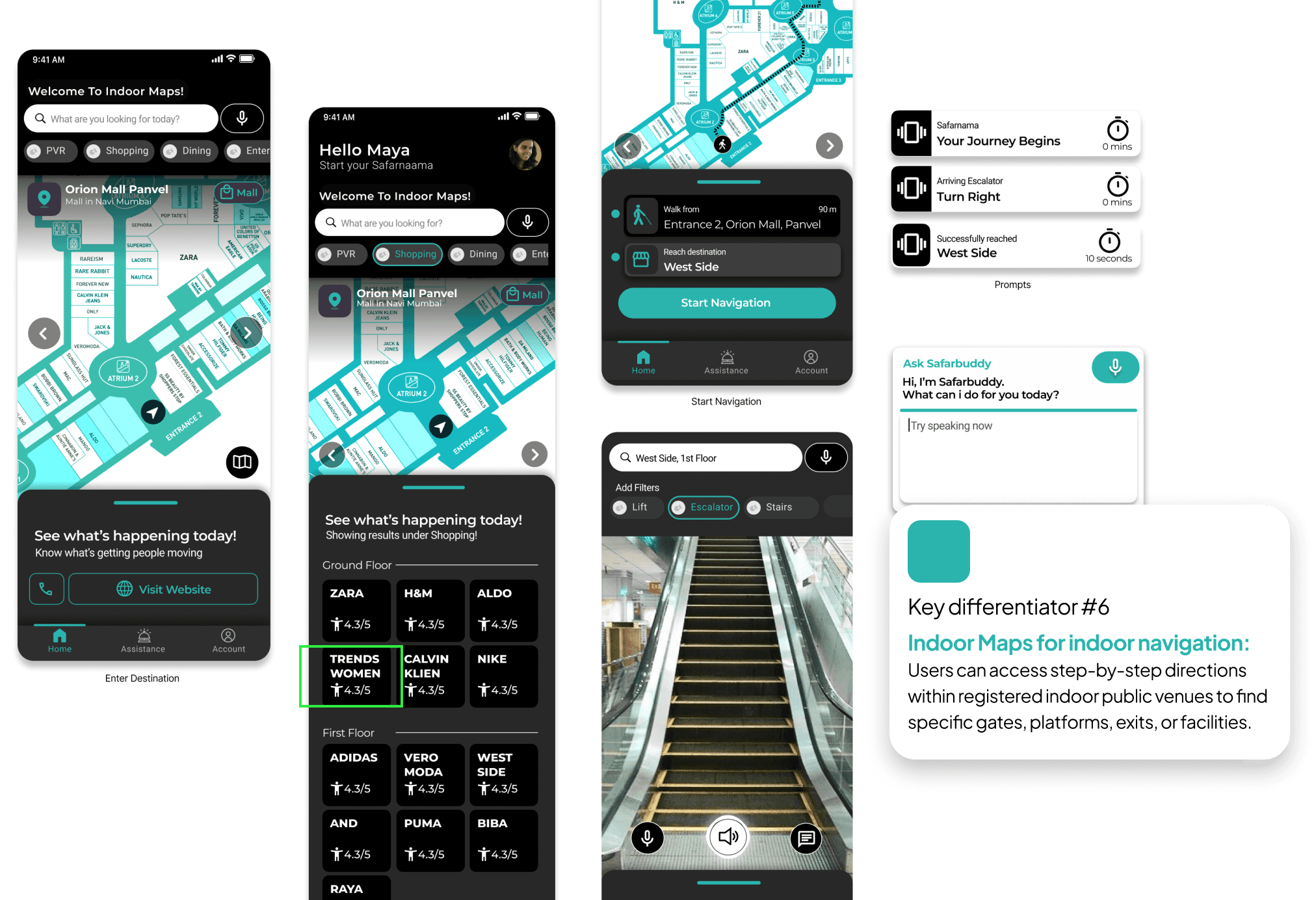
#6 Indoor Maps for indoor navigation:
Users can access step-by-step directions within registered indoor public venues to find specific gates, platforms, exits, or facilities.
DESIGN VALIDATION
UT Assessment
UI Findings
Colour Contrast
Better accuracy to performing action was observed with colour contrast added to the screens.
Familiar Components
Accessible Keyboard added to the task flow to help the users recognise the task stage & achieve a more familiar app usage was appreciated by the users, increasing their accuracy in later stages of the task.
Excessive Screen reader Assistance
Elements with same functionality could be better placed to be read together, decreasing missed interaction opportunities (Action text Fields and its assertive labelling being read at separate swipe stages by the user caused confusion on task continue window).
Speaker Audio Limitation
Unavailability of Speaker Audio based interactions such as Audio Search & Talk back feature couldn’t accurately provide user Navigation experience designed for them. At this stage an external prototype was used.
Camera setup
The front camera being set as the primary caused interruptions and discomfort due to the screen reader announcing its activation. Switching to the rear-view camera as the default reduced these unexpected notifications.
Learning Curve
Users are optimistic that the the learning curve of the app's UI will be positively influenced by practice and familiarity based on the feedback collected by users at the completion of their task.
Screen Reader Findings
#1 Sequenced screen reader:
Screen reader sequence defined on each page based on patterns previously identified helped users to confidently recognize stages and action outcomes better with lesser assistance.
#2 Customization Options
Users expressed the desire for more customization options to tailor the app according to their preferences and specific accessibility requirements.
#3 Feature Prioritisation
Users provided valuable feedback on prioritising certain features, such as real-time updates and indoor maps, which they considered more essential for their needs.
#4 One swipe reader
Users were able to understand cards with one swipe continuous screen reader and preferred it to earlier segments.
#5 Learning Curve
Users are optimistic that the learning curve of the app's UI will be positively influenced by practice and familiarity based on the feedback collected by users at the completion of their task.
CONCLUSION
Improvement Scope
To enhance user experience and accessibility, we identified several areas for improvement:
Shorter Description
Need for shorter and direct descriptions on elements to provide a smoother experience
Tactile-less feedback
Absence of drew attention as an area where improvements were warranted to ensure a more intuitive and comprehensible user experience
Revaluate Limitations
There is still need for more refined study on acceptance of prototype platform accessibility limitations and ways to make the existing UI more accessible to the users.